EN · QA
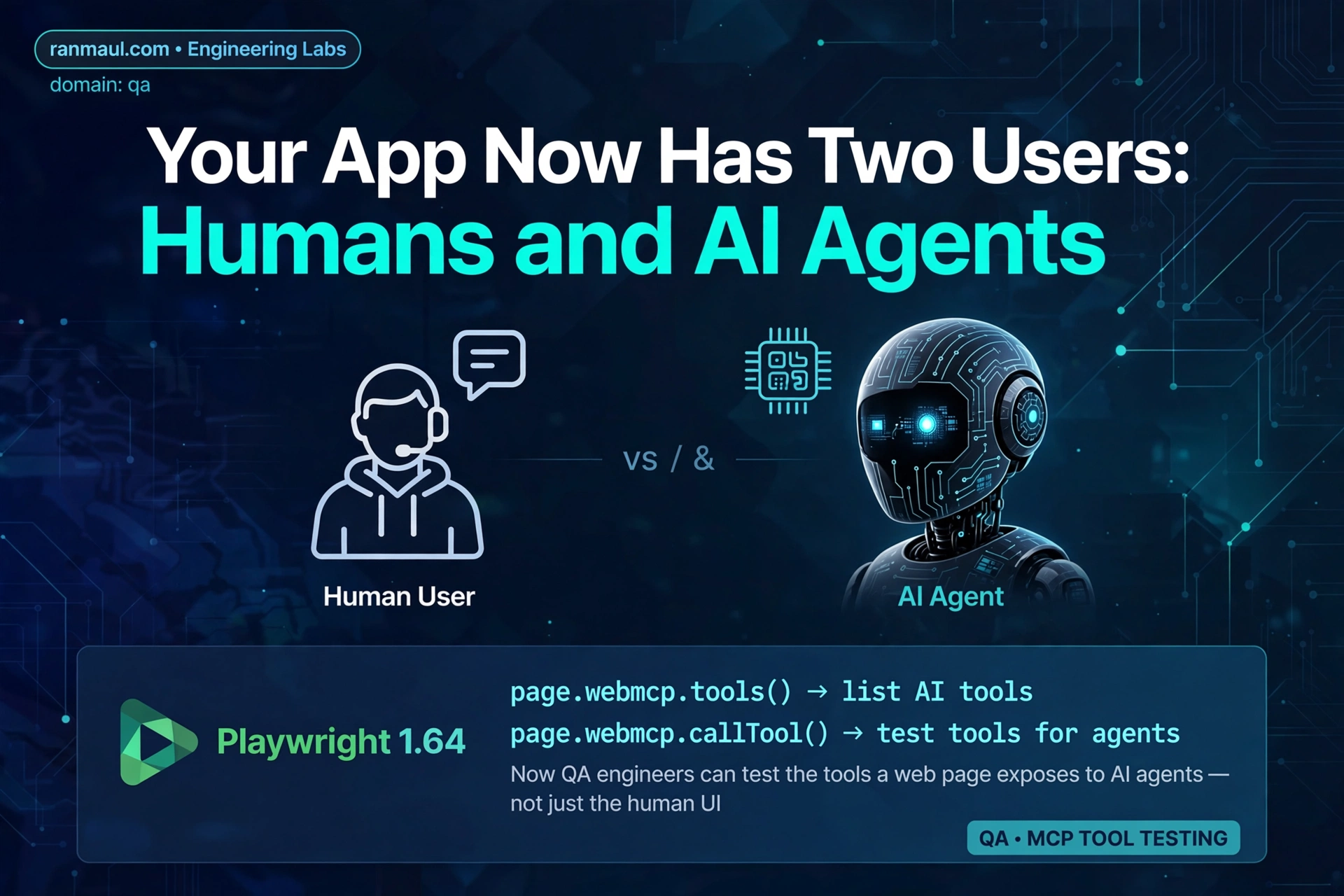
Your App Now Has Two Users: Humans and AI Agents
Playwright 1.64 can test the tools your web page exposes to AI agents through WebMCP. Here is how to discover them, call them, and prove the agent path and the human UI agree.
Published: October 20, 2026
Updated: October 20, 2026
6 min read
#Your App Now Has Two Users: Humans and AI Agents
Your newest user never clicks anything.
It does not read your carefully worded button labels. It does not care about your hover states, your loading spinners, or your pixel-perfect checkout flow. It arrives with a list of tools your page offers — search_products, add_to_cart, check_delivery_date — and it calls them directly.
For years, QA had exactly one interface to protect: the one humans see. Playwright 1.64 is the release where that stops being true. It adds first-class support for WebMCP, an experimental browser API that lets a web page register callable tools for AI agents — and it lets you test those tools the same way you test everything else.
This matters because a broken agent tool fails silently. No red pixel, no layout shift, no console error a visual check would catch. Just an assistant confidently telling your customer the wrong delivery date.
#What Is WebMCP, in Plain Terms?
WebMCP (Web Model Context Protocol) is a browser API that lets a page declare: "here are the actions an AI agent may perform here, here is what each one is called, and here are the parameters it accepts."
Each tool a page registers has a name, a description, an input schema, and an execute function. Think of it as an API surface that lives inside the page instead of on your server — a second front door, built for software instead of people.
If you have used the Model Context Protocol with Playwright MCP before, the shape will feel familiar. The difference is who defines the tools. With Playwright MCP, the test tooling exposes browser actions to an agent. With WebMCP, your application exposes business actions — and those actions are production code, which means they can break like production code.
#Why Can't Your UI Tests See This Layer?
A traditional Playwright test drives the human path:
Human → clicks UI → application state changes → assertion on UIThe WebMCP path skips the UI entirely:
AI agent → calls page tool → application state changes → result returned to agentYour E2E suite can be completely green while the agent path is broken. The add_to_cart button works when clicked — but the add_to_cart tool passes the quantity as a string, and your cart service quietly stores zero. A human shopper would never hit that bug. An agent hits it on its first call.
That is the core lesson of this release: if your app serves agents, the agent interface is a product surface, and product surfaces get tests.
#Setting Up: Enable WebMCP in Chromium
WebMCP is experimental, so Chromium needs a feature flag. In the Playwright test runner, add it to your config's launch options:
// playwright.config.ts
import { defineConfig } from '@playwright/test';

export default defineConfig({
  use: {
    launchOptions: {
      args: ['--enable-features=WebMCP'],
    },
  },
});
Two setup notes worth knowing before you debug anything:
- WebKit does not implement WebMCP yet, so keep these tests in a Chromium project.
- An empty tool list is not automatically a failure. A page that registers no tools correctly returns none — check that against what the page is supposed to expose.
#Step 1: Discover What Your Page Exposes
Playwright 1.64 adds page.webmcp (and frame.webmcp for tools registered inside a frame). Listing tools is your contract test: it proves the page registered the right tools, with the right names, before any agent goes looking for them.
import { test, expect } from '@playwright/test';

test('page exposes the expected agent tools', async ({ page }) => {
  await page.goto('https://your-app.example/shop');

  const tools = await page.webmcp.tools();

  expect(tools.map((t) => t.name)).toEqual(
    expect.arrayContaining(['search_products', 'add_to_cart']),
  );
});
Treat this like an API schema test. If a refactor renames a tool, every agent integration built on the old name breaks — this test is how you find out in CI instead of from a partner's bug report.
#Step 2: Call a Tool the Way an Agent Would
Discovery is not enough; a registered tool can still compute the wrong answer. callTool() invokes a tool with structured arguments and returns whatever the tool's execute function resolved:
test('add_to_cart tool returns the updated count', async ({ page }) => {
  await page.goto('https://your-app.example/shop');

  const result = await page.webmcp.callTool('add_to_cart', {
    sku: 'MUG-001',
    quantity: 2,
  });

  expect(result.isError).toBeFalsy();
  expect(result.content[0].text).toContain('2');
});
That isError check matters. WebMCP tools can report a failure as a result (isError: true) instead of throwing — a tool that throws and a tool that returns an error result need different assertions, and your tests should know which behavior each tool promises.
#Step 3: The Consistency Test — Agent Acts, Human Verifies
The most valuable WebMCP test crosses both worlds in a single scenario. The agent performs the action through the tool; the assertion happens on the state a human would see:
test('agent action and human UI agree', async ({ page }) => {
  await page.goto('https://your-app.example/shop');

  await page.webmcp.callTool('add_to_cart', { sku: 'MUG-001', quantity: 2 });

  await expect(page.getByTestId('cart-badge')).toHaveText('2');
});
This one test catches the nastiest class of agent bugs: the tool "succeeds" but writes to a different cart, a different session, or a different state store than the UI reads. Two interfaces, one source of truth — that is the invariant you are actually protecting.
#A Checklist for Testing Agent-Facing Tools
Beyond the happy path, these are the checks that earn their keep:
- Registration — every expected tool is listed by
tools(), and no unexpected tool is exposed. - Authorization — a tool that should not exist for this user (say,
refund_paymentfor a guest session) is absent or refuses the call. Calling an unregistered tool throws, and Playwright's error names the tools that are available — assert on that message to separate "tool missing" from random timeouts. - Bad parameters — wrong types and missing required fields produce a clean error result, not a silent wrong answer.
- Error results — tools that report failure via
isError: trueactually set it, and the message is one an agent can act on. - Consistency — state changed through a tool is identical to state changed through the UI, checked from the human side.
If you also drive agents through Playwright MCP, note that it supports WebMCP by default: page-defined tools are offered to the agent as webmcp_<tool>, and you can opt out with --no-webmcp. The playwright-cli commands webmcp-list and webmcp-call are handy for exploring a page's tools before you write a single test.
#Limitations You Should Know
- Experimental means experimental. The flag, the API shape, and browser support can all move. Pin your Playwright version and treat these tests as a fast-moving layer of your suite.
- Chromium-first. Firefox has testing preferences for WebMCP; WebKit has nothing yet. Multi-browser agent coverage is not a thing today.
- No tools, no tests. If your app registers no WebMCP tools, there is nothing to call — this layer only exists once your team ships agent-facing features.
#Conclusion
We spent a decade learning to test applications the way humans use them. WebMCP asks us to test them the way agents use them too: a registered tool is a promise, a tool call is a transaction, and the result an agent receives is part of your product's correctness.
Playwright 1.64 gives you the primitives — page.webmcp.tools() to see the promise, page.webmcp.callTool() to exercise it, and your normal assertions to verify both worlds agree. The teams that add this layer now will not be the ones debugging why an assistant hallucinated a delivery date that their own app handed it.