EN · FPV
Your Flight Controller Is Mounted Sideways. Stop Guessing Which Way Is Forward
Betaflight 2026.6 adds an FC Alignment Wizard that measures your board's orientation instead of making you calculate it. Run it in the right order, then verify on the 3D model before the props go on.
Published: November 4, 2026
Updated: November 4, 2026
6 min read
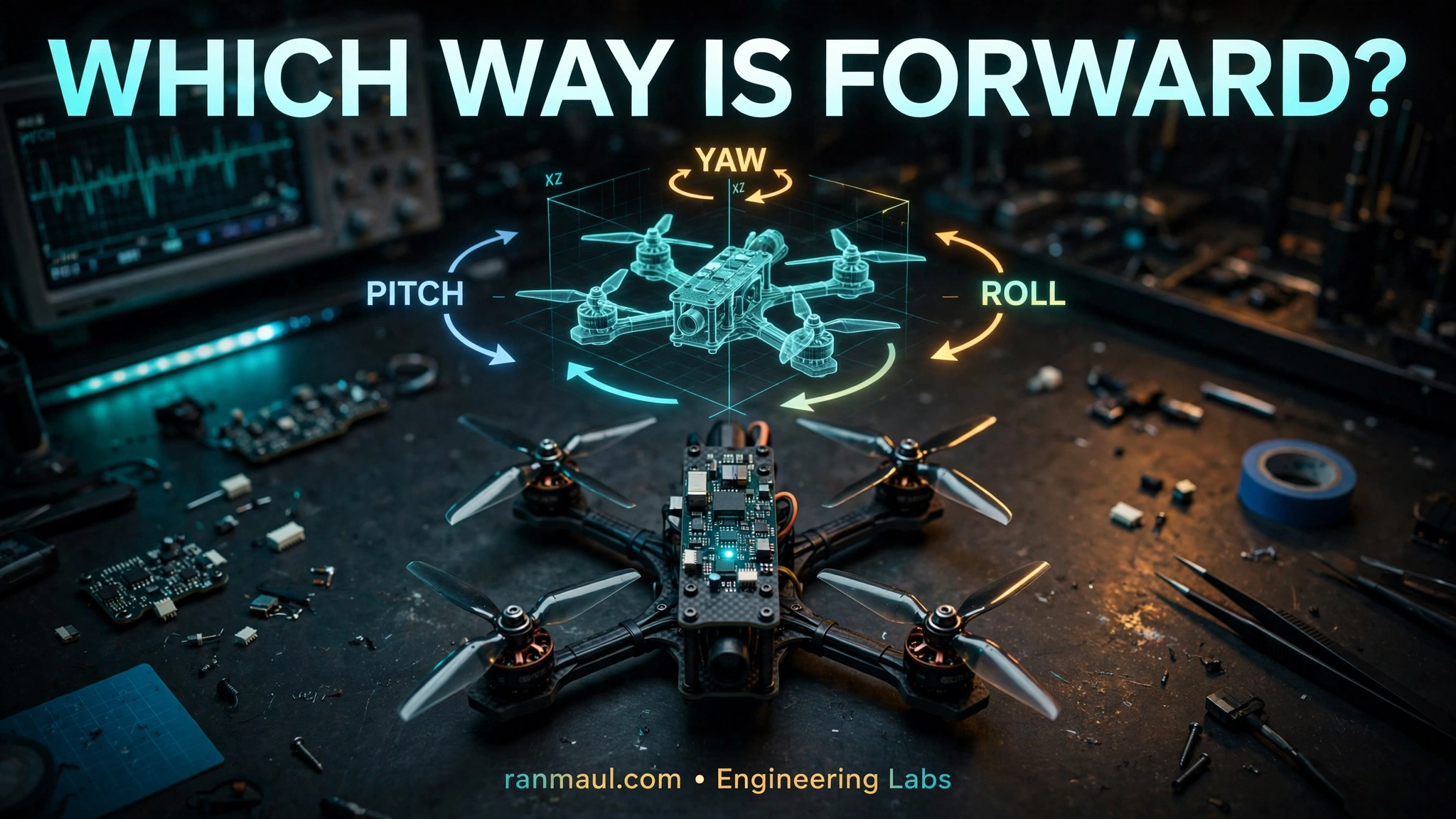
You finish a build, plug in, arm on the bench, and the quad flips the instant it leaves the ground. Nothing is broken. The motors spin the right way, the props are on correctly, and the receiver works. The flight controller simply does not know which way is forward, because you mounted it sideways and guessed the numbers.
This is the part of a build that used to punish guessing. Betaflight 2026.6 adds a tool that removes the guesswork: the FC Alignment Wizard. It measures the board's orientation and calculates the alignment for you. This article covers what it does, the exact order to run it in, and the verification step that still belongs to you.
#Why board alignment matters
Most flight controllers carry a small arrow printed on the board. That arrow shows the direction Betaflight considers forward, and ideally that is how you install the board in the drone.
Sometimes that is simply not possible. You may need to mount the board upside down, or rotated 90° or 180° to make the USB port or SD card slot easier to reach. Mounting at 45° is common in micro quads and Tiny Whoops. When that happens, you must tell Betaflight the actual orientation of the board.
If the alignment is wrong, the consequences are immediate and violent. The quad may refuse to take off, flip over the moment you arm, or shoot upward rapidly as soon as you touch the throttle. The flight controller is stabilizing toward a "level" and a "forward" that do not match reality. No amount of PID tuning fixes that, because the tune is built on a false sense of direction.
Previously, you entered the alignment manually: three values, one per axis, describing how the board sits relative to the frame. A simple 180° rotation is fairly straightforward. Once the board is both upside down and rotated, the combination becomes confusing very quickly. Sign errors creep in, one axis gets swapped with another, and the bench test that should catch it gets skipped because the numbers "look right."
#Where the wizard lives
The wizard ships in Betaflight Configurator 2026.6, the web app at app.betaflight.com that shares the firmware's version name. In the configurator, go to Sensors, then Auto-detect board alignment.
One prerequisite comes first: you may need to calibrate the accelerometer before the alignment wizard becomes available. Do that on a level surface, with the quad still and the props off. A wizard that measures orientation from an uncalibrated accelerometer is measuring from a tilted zero. Calibrate first, then start the wizard.
#Running the wizard, in order
The wizard asks you to move the quad through a fixed sequence. Follow it exactly, in this order:
- Place the quad flat on a level surface, with the camera facing away from you.
- Move the quad around the pitch axis: tilt the nose down.
- Return the quad to level.
- Move the quad around the roll axis: tilt the quad to the side.
- Return it to level again.
- Rotate the quad around the yaw axis.
Betaflight measures how the accelerometer responds to each movement and calculates the board alignment automatically. When it finishes, press Apply. That is the whole procedure. No arithmetic, no sign conventions, no second-guessing which axis is which.
Two details matter while you do it. First, start from truly flat and truly level, and return to level between moves. The wizard compares each movement against the level baseline, so a sloppy baseline produces a wrong answer that looks confident. Second, move the quad itself, not the table under it, and move it slowly enough for the accelerometer to register a clean motion. Fast, jerky moves blur the measurement.
#Verify it before flying
The wizard calculates the alignment. It does not verify it. That step is still yours, and it happens before the propellers go on.
In the configurator, open the Setup page with the 3D model of the quad, and physically move the quad in your hands. Pitch the nose down and up, roll left and right, and rotate around the yaw axis. The model must follow your hands in the same directions.
If the model moves the wrong way on any axis, do not fly. Run the wizard again and check your setup: the accelerometer calibration, the level starting position, and whether the board is firmly mounted. A board that shifts in its mount defeats both the wizard and the manual method. Fix the mounting, then re-measure.
This verification costs one minute and prevents the most embarrassing crash in the hobby: a quad that flips on its maiden hover because forward was actually backward. The 2026.6 upgrade post on this site made the same point about the tune: verify on the bench, props off, before the first hover. Alignment deserves the same discipline.
#What the wizard does not do
The wizard measures orientation. It does not fix a loose board, a damaged sensor, or a frame that flexes under throttle. If the alignment result changes every time you run it, something is moving that should not move. Check the mounting hardware, the standoffs, and whether the board touches the frame or a wire that pushes it off level.
It also does not replace the rest of the 2026.6 setup. Board alignment is one step in the sequence: gyro and accelerometer health first, alignment measured, then the tune. Pilots jumping straight from 4.5 should also remember the traps from the upgrade post: reset the PIDs rather than restoring an old diff, and mind the compass address change that landed in 2025.12. The wizard solves orientation. It does not solve the tune.
#The checklist
For a new build or a rebuild:
- Board mounted firmly, arrow direction noted, props off.
- Accelerometer calibrated on a level surface.
- Wizard run in order: flat, pitch, level, roll, level, yaw, then Apply.
- 3D model on the Setup page verified by hand in all three axes.
- Any wrong direction: do not fly. Re-run the wizard, re-check the mount.
- Alignment result stable across two runs before the first hover.
#Conclusion
Board alignment used to be the setup step where confidence and correctness parted ways. The numbers looked right, the quad disagreed, and the disagreement happened in the air. The Alignment Wizard closes that gap by measuring instead of calculating. Run it in order, verify it by hand, and let the quad's first movement be the one you expected.